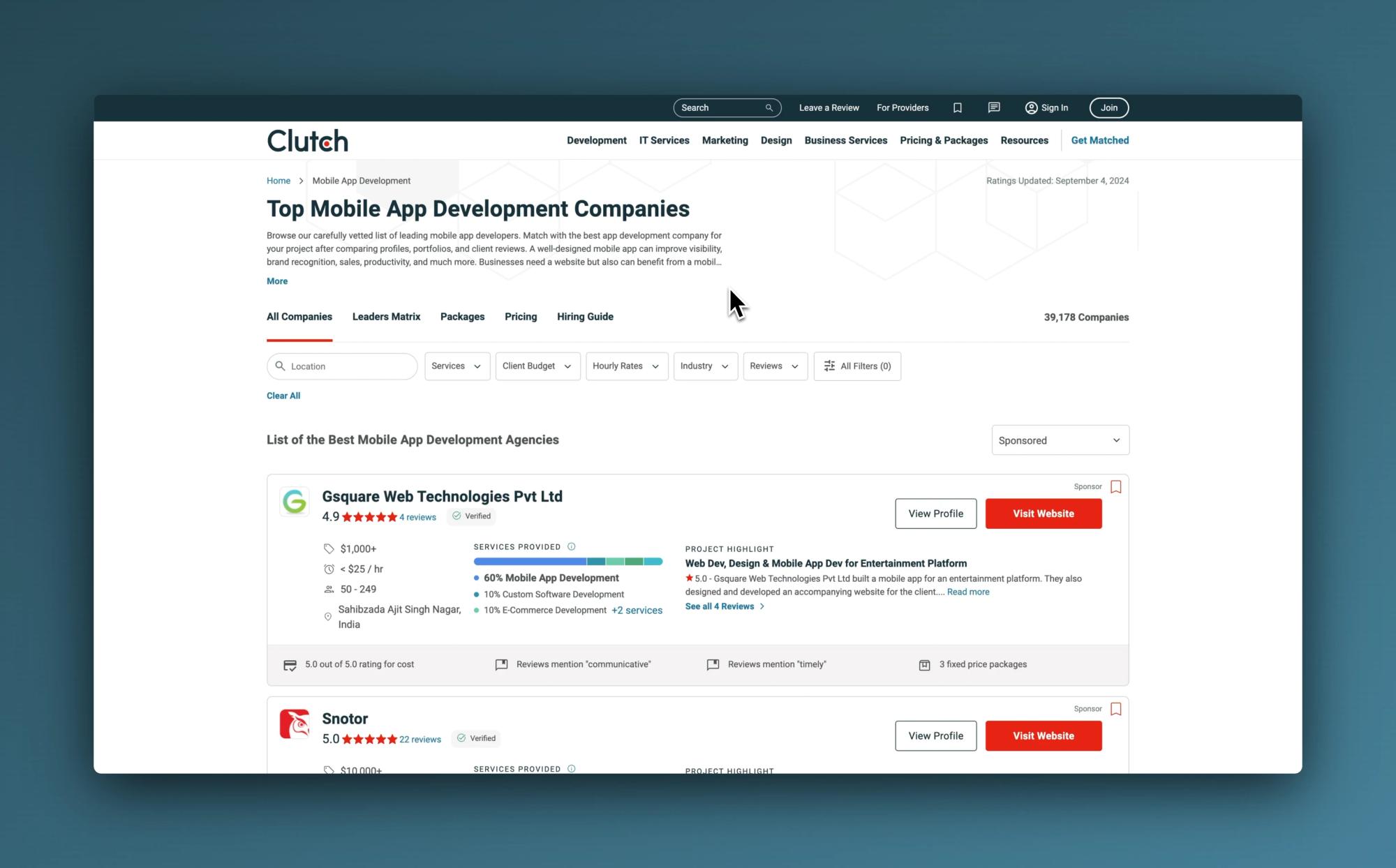
Are you looking to supercharge your B2B lead generation efforts? Clutch.com is a goldmine of information on service providers and potential clients. But manually extracting this data can be a time-consuming nightmare. Enter Ultimate Web Scraper, your secret weapon for effortlessly scraping valuable data from Clutch.com without writing a single line of code.
💼 What Can You Extract from Clutch.com?
Before we dive into the how-to, let's explore the wealth of information you can gather:
| Data Type | Example |
|---|---|
| 🏢 Company Name | Acme Digital Solutions |
| 📍 Location | New York, NY |
| 💻 Website | www.acmedigital.com |
| 📞 Phone Number | (555) 123-4567 |
| contact@acmedigital.com | |
| 💼 Services | Web Development, UX/UI Design |
| 👥 Company Size | 50-249 employees |
| 💰 Hourly Rate | $100 - $149 / hr |
| ⭐ Clutch Rating | 4.9 out of 5 stars |
| 📊 Number of Reviews | 25 reviews |
| 🏆 Notable Clients | Microsoft, Adobe, Shopify |
🚀 Getting Started with Ultimate Web Scraper
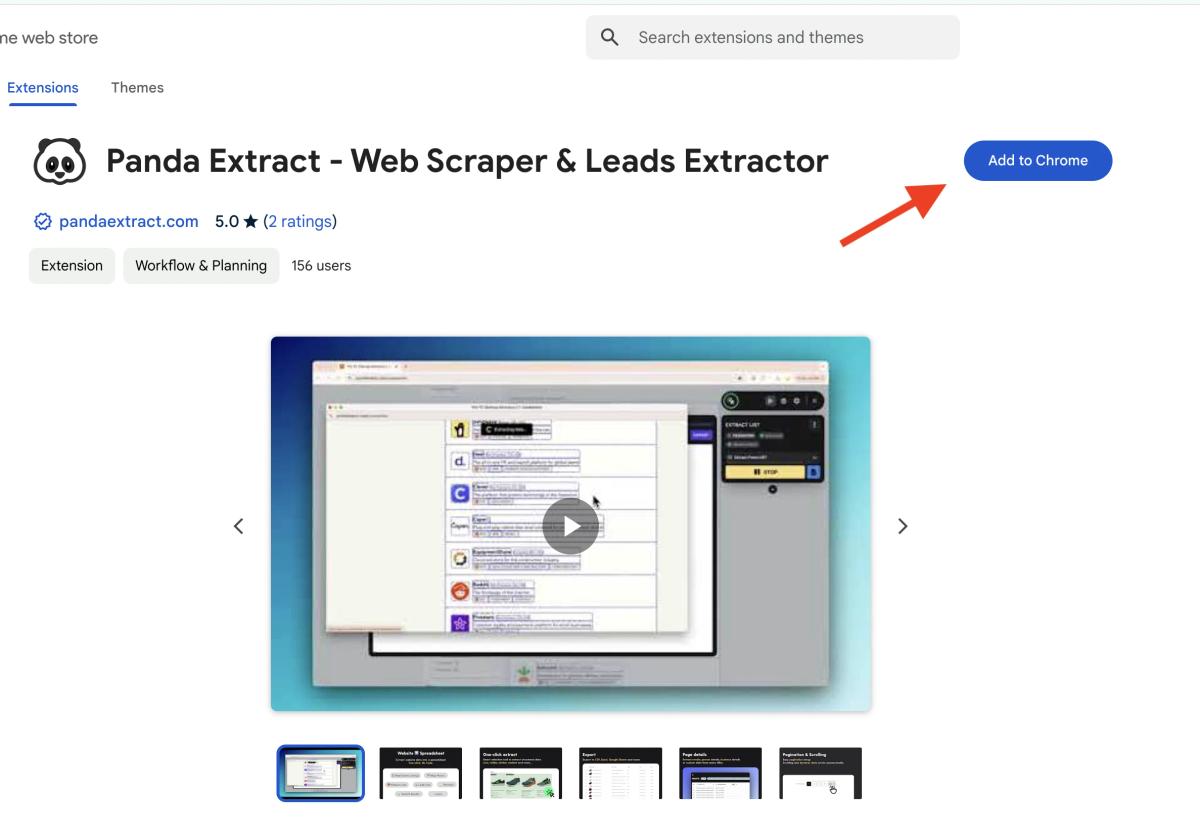
- Install the Extension: Add Ultimate Web Scraper to your Chrome browser from the Chrome Web Store.
- Navigate to Clutch.com: Open Clutch.co and search for your target companies or services.
- Activate Ultimate Web Scraper: Click the Ultimate Web Scraper icon in your toolbar to open the interface.
📊 Scraping Clutch.com: A Step-by-Step Guide
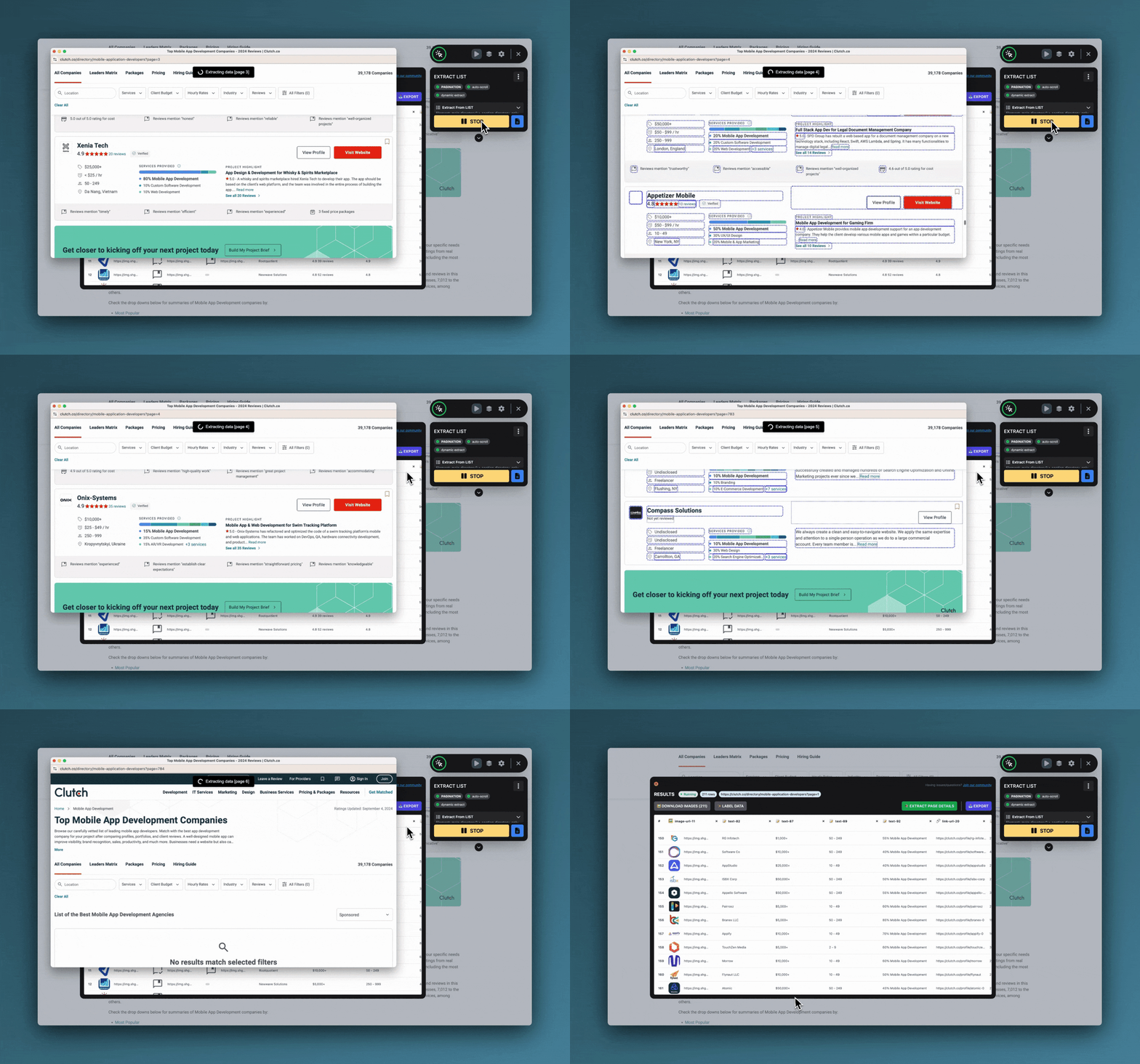
Perform Your Search:
- Go to Clutch.co and enter your search criteria (e.g., "web development agencies in New York").
Use the Smart Selection Tool:
- Click on the first company listing in the search results.
- Ultimate Web Scraper will automatically detect the list structure and highlight all similar items.
Instant Extract:
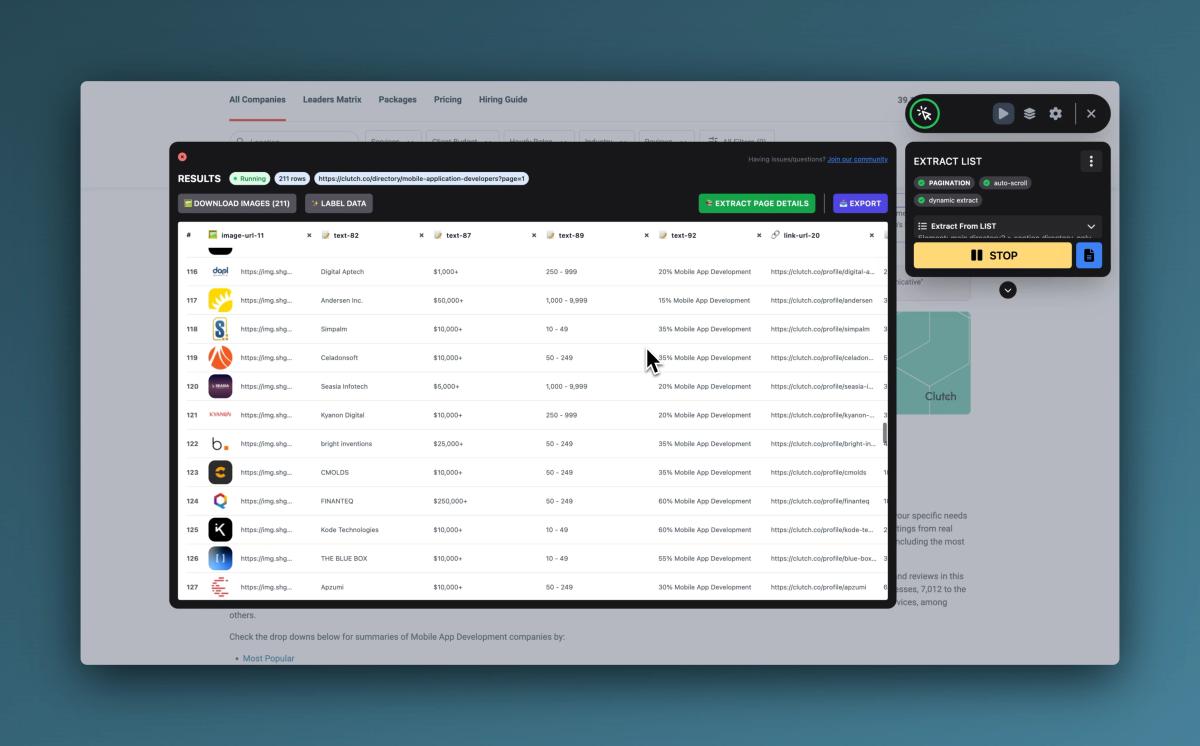
- Ultimate Web Scraper will automatically extract the selected data into a table.
- Review the columns and remove any unnecessary information.
Set Up Pagination:
- Click the "+ Pagination" button in the Ultimate Web Scraper widget.
- Locate and click the "Next" button on the Clutch.com results page.
- Press "RUN" in the Ultimate Web Scraper widget to start extracting data from all pages.
Extracting Detailed Company Profiles:
- For more in-depth data, use the "Extract Page Details" feature.
- Take the individual company profile URLs from your initial extraction.
- Load them into the "Extract Page Details" tool using the Data Source option.
- Pick the fields you want with the element picker, or let the automatic structured-data extraction do the work.
- Ultimate Web Scraper will visit each profile page and gather the available details into your table.
Export Your Data:
- Once extraction is complete, click the "Export" button.
- Choose your preferred format: CSV, Excel, or Google Sheets.
💡 Pro Tips for Maximum Lead Generation
Use Filters Wisely: Narrow down your searches on Clutch.com to target specific industries, company sizes, or locations.
Combine with Other Sources: Use Ultimate Web Scraper to scrape complementary data from company websites — such as emails and phone numbers — for a more comprehensive lead profile. (Note: LinkedIn is not supported.)
Verify Information: Use the extracted email addresses and websites to verify contact information using services like Hunter.io.
Enrich Your Data: Consider using the extracted company names with services like Clearbit for additional firmographic data.
Stay Organized: Use Ultimate Web Scraper's export features to save your leads in CSV or Excel format for easy integration with your CRM system, and see our guide to automating lead generation to build a repeatable workflow.
🚀 Supercharge Your B2B Lead Generation
By leveraging Ultimate Web Scraper to scrape Clutch.com, you're not just saving time – you're opening up a world of possibilities for your business. Whether you're a sales professional looking to expand your prospect list, a marketer targeting specific industries, or an entrepreneur researching potential partners, this powerful tool puts valuable B2B data at your fingertips.
Remember, with great power comes great responsibility. Always use this data ethically and in compliance with relevant regulations and terms of service.
Ready to transform your B2B lead generation process? Give Ultimate Web Scraper a try today and watch as Clutch.com transforms into your personal goldmine of business opportunities!
Published on